
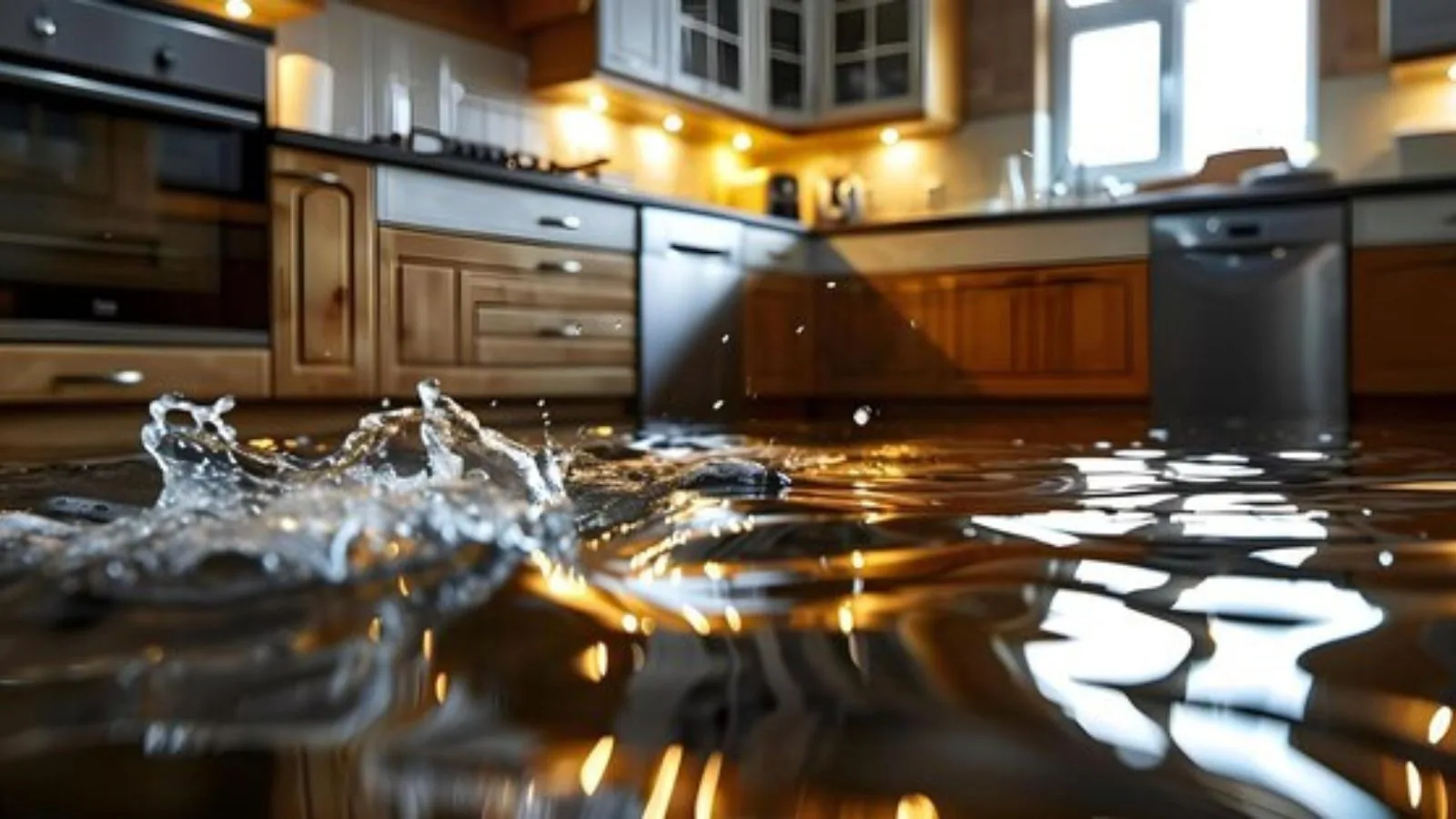
Water and electricity are a dangerous mix. When a flood or leak reaches outlets, cords and devices, the first priority is safety, and the second is saving the equipment. This guide explains the order.
We are not electricians. If power may be on in a wet area, stay out and call a licensed electrician or the utility.
SafetySafety comes first
- Do not step into water if outlets, cords or appliances are in it.
- Turn off power at the main panel only if you can reach it while dry.
- Call the utility or an electrician if the panel is wet.
- Unplug devices only from a dry spot.
- Treat any wet cord as live until proven otherwise.
Turning on a wet device can cause a short circuit and permanent damage. Let it dry and have it checked first.
What to do for common devices
Phones and tablets
Power off, remove the case and battery if possible, dry the outside and keep the device out of heat.
Laptops
Shut down, unplug, remove batteries if you can and stand the laptop to drain.
TVs and monitors
Unplug and let them dry for days before an expert checks them.
Large appliances
Unplug, do not run and have a technician inspect.
Rice is a popular home remedy, but it does not reliably pull water from a device. Leaving the device in a dry, ventilated place and having it checked by a technician is a safer path.
Hidden damageCorrosion and delayed damage
Even if a device powers on after drying, corrosion can continue inside. Salt water or sewage is especially harsh. A technician can open the device and clean the boards.
Back up data from any drive that still works, and ask a data recovery professional about drives that do not.
| Device | After clean water | After flood or sewage water |
|---|---|---|
| Phone | May recover if dried quickly | Often lost |
| Laptop | Technician check advised | Often lost |
| Furnace and water heater controls | Technician inspection needed | Replacement likely |
| Small appliances | Often replaced | Discard |
Data backup and recovery
Data matters more than the hardware. If a drive or phone is wet, keep it off, dry the outside and do not try to run it. A data recovery specialist can often rescue files from a drive that no longer powers on.
Cloud backups remove most of the worry. If you do not have one, set it up as soon as you have a working device.
Water typesSalt water and sewage are harder on electronics
Clean water is the least harmful. Salt water leaves conductive residue, and sewage brings contamination that is hard to clean from circuit boards. A device that touched either is often not worth repairing.
Tell your technician what kind of water it was. It helps them judge the odds of a repair.
AppliancesAppliances and utility equipment
- Do not run a flooded furnace, water heater or well pump until a technician inspects it.
- Have an electrician check outlets, switches and panels that were wet.
- Replace gas valves and controls that were submerged, as advised by the technician.
- Photograph model labels for your insurer.
- Keep the failed parts if the adjuster asks to see them.
Smoke alarms, garage doors and low outlets
Items close to the floor take the worst of a flood. Outlets, switches, garage door openers and smoke alarms near the floor or in a basement may all need inspection. A licensed electrician can check them before power returns.
If you see sparks or smell burning, leave the area and call 911 or the utility.
PowerRestoring power safely
Wait
Do not restore power until the area is dry and checked.
Inspect
An electrician inspects wiring, outlets and the panel.
Replace
Damaged components are replaced, not dried and reused.
Test
Power is restored in steps with testing.
Quick reference: do and do not
| Do | Do not |
|---|---|
| Power off and unplug from a dry spot | Press power to see if it still works |
| Dry the outside with a clean cloth | Use a hair dryer or oven |
| Keep the device in a ventilated place | Seal it in a bag with rice |
| Have a technician inspect it | Charge it while wet |
Following this list protects both you and the device. When in doubt, wait and ask a technician.
Coastal water and electronics
Roosevelt, Freeport and Oceanside sit near tidal water, and storm surge can carry salt and sewage. Salt water corrodes electronics quickly, and flood water can contaminate them, so devices that touched either are often lost.
After Hurricane Sandy on October 29 and 30, 2012, many South Shore owners had to replace furnaces, water heaters and electrical equipment in flooded basements. Tell your insurer which items were wet and photograph model labels.
Where restoration fits
We remove the water and dry the building itself. We do not repair electronics, and we do not do electrical work. We will tell you when a licensed electrician must check wiring before power is restored.
See basement water damage cleanup for flooded utility rooms and water heater leak cleanup for tank failures.
RecordsInsurance and documentation
Photograph each device, its serial number and the water line. Keep receipts and model numbers. Many policies treat electronics as personal property, and a list with ages helps your adjuster.
Common Questions
Should I plug a wet device in to test it?
No. Powering on a wet device can short it and cause permanent damage. Dry it and have it checked.
Does rice dry out a phone?
Not reliably. Keep the phone off, dry the outside and ask a technician.
Is a wet outlet dangerous?
Yes. Stay out of the area, shut off power from a dry spot and call an electrician.
Can a flooded furnace be saved?
Controls and motors that were wet often need replacement. A technician must inspect it before it runs.
What should a Roosevelt homeowner do about electronics after a flood?
Stay safe, unplug from a dry spot, photograph labels and call an electrician and your insurer.